
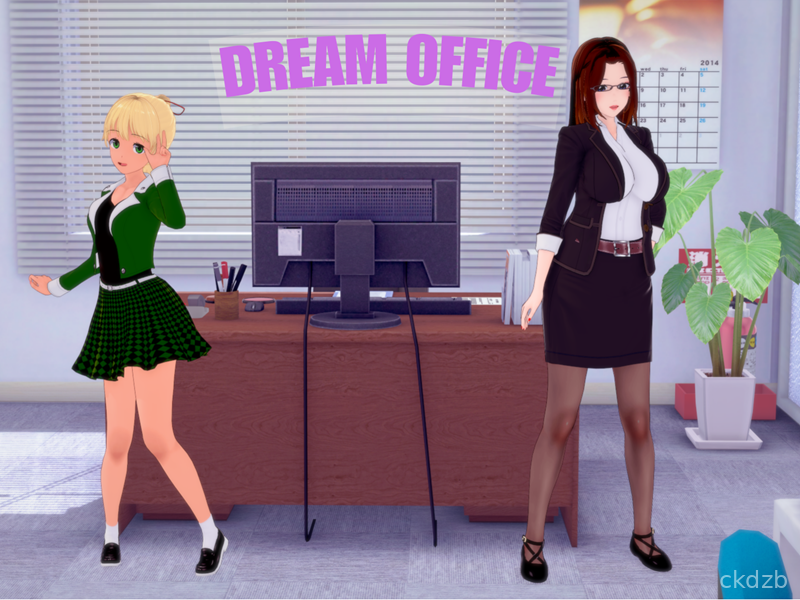


Dream Office Game Introduction
Dream Office throws you into the hectic but oddly satisfying world of running your own company. Instead of just watching from the sidelines, you get to call the shots, arrange the office, and keep your tiny empire from falling apart. It feels like a mix of casual management and light strategy, with enough depth to keep you hooked without feeling like homework.
You start small, usually with a basic workspace and a couple of tasks to handle, then slowly grow into a full-blown office packed with employees, projects, and deadlines. As you progress, every upgrade and decision makes the place feel more alive, from where you place desks to how you handle your staff.
It is the kind of game you open for a quick session and suddenly realize you have been tweaking layouts and chasing goals for way longer than planned. If you enjoy management sims with a laid-back vibe, Dream Office fits that sweet spot nicely.
Dream Office Game Features
1. Office Building System: Design and expand your workspace with new rooms, furniture, and layouts that match your playstyle.
2. Staff Management: Recruit employees, assign roles, and balance their workload so your projects actually get finished on time.
3. Project Progression: Take on different contracts and missions that bring in cash, experience, and new unlocks for your company.
4. Upgrades and Customization: Improve equipment, unlock better facilities, and tweak the look of your office to keep things fresh.
5. Casual-Friendly Gameplay: Short sessions, simple controls, and a clear interface make it easy to jump in and out whenever you like.
Dream Office Game Highlights
Clean Visual Style -> The game uses a neat, readable look that makes it easy to see what is going on in every corner of your office.
Progress That Feels Rewarding -> Each new room, employee, or upgrade adds a real sense of growth to your business.
Light Strategy Layer -> You are always deciding what to prioritize first, from hiring to upgrading, which keeps things engaging.
Relaxed Pace -> There is pressure to do well, but the overall feel stays chill enough to enjoy without stress.
Touch-Friendly Controls -> Simple taps and drags make arranging furniture and handling tasks feel natural on a phone screen.
Dream Office Game Gameplay
Start by setting up a basic office space and placing the first few pieces of furniture so your staff has somewhere to work.
Hire a couple of employees, assign them to roles that match their strengths, and watch how their performance affects your income.
Accept projects from the in-game system, then juggle staff and resources so deadlines are met and rewards are maximized.
Use the money you earn to unlock new rooms, improve equipment, and reshape the layout to keep everything running smoothly.
Check in regularly to collect earnings, adjust assignments, and push your office toward becoming a top-tier business hub.
Dream Office Game Conclusion
Dream Office is a straightforward but surprisingly engaging office management game that leans into the fun side of running a company. You get the satisfaction of watching your tiny startup grow while still keeping things relaxed and easy to handle on mobile.
If you like simulation games where you build, tweak, and steadily improve something over time, Dream Office is worth a look. It does not try to be overly complex, yet there is enough going on to keep you coming back to nudge your virtual business a little further ahead each session.
FAQ
What kind of game is Dream Office?
Dream Office is a simulation and management game where you build and run a virtual office, hire staff, take on projects, and grow your business.
Is Dream Office easy to play for beginners?
Yes, the controls are simple and the mechanics are introduced gradually, so new players can pick it up without feeling overwhelmed.
Can I play Dream Office in short sessions?
You can. The game is designed for quick check-ins, letting you manage tasks, upgrades, and staff in a few minutes at a time.




![XRun - Enhance your SexToy [+18]](https://image.ckdzb.com/images/202604/08/badfdee79d9789cc0f343e9ad514f4d8.jpg)