

Windows Clicker Game Introduction
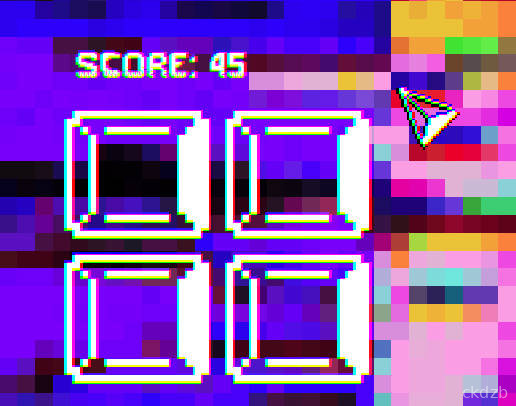
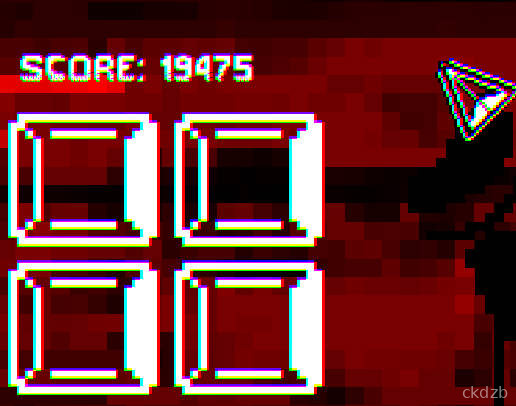
Windows Clicker is a lighthearted tap and idle game that turns your phone into a mini desktop factory. Instead of stressing over real operating systems, you just tap, upgrade, and watch your virtual windows multiply on the screen. It is the kind of game you open for a minute and suddenly realize you have been playing for half an hour.
At its core, Windows Clicker is all about that satisfying feeling of progress. You start small, with a simple setup, and every tap adds a little more to your total. As you earn more, you unlock upgrades that keep your score climbing even when you are not frantically tapping.
The game is designed for quick sessions, but it also rewards players who like to min-max their upgrades and push their numbers higher and higher. Whether you play casually during breaks or keep it running in the background, Windows Clicker gives you that steady drip of rewards that clicker fans love.
Windows Clicker Game Features
1. Simple Tap Controls: Just tap the screen to generate windows and watch your score climb without any complicated mechanics.
2. Idle Progression System: Unlock upgrades that keep generating points for you even when you slow down on tapping.
3. Upgrade Tree: Spend your earned points on different upgrades to improve your tap power and idle income.
4. Lightweight Game Size: Enjoy the game without worrying about it taking up too much storage on your device.
5. Quick Session Friendly: Play for a few seconds or a few minutes whenever you have spare time.
Windows Clicker Game Highlights
✨ Satisfying Click Feedback - Every tap feels responsive, with instant visual and numeric feedback that makes each click feel rewarding.
💰 Rewarding Upgrade Milestones - Hitting certain totals lets you unlock bigger upgrades that suddenly boost your progress.
⚙️ Easy-To-Read Interface - The layout keeps your total, tap power, and upgrades clear so you always know what to improve next.
⭐ Low Learning Curve - You can understand the basics in seconds, so there is no long tutorial or confusing menus to deal with.
📢 Great For Idle Play - Leave the game running and come back later to see how much your background upgrades have earned.
Windows Clicker Game Gameplay
Tap the main button repeatedly to start generating windows and building up your total score.
Watch your resources grow and decide when to spend them on upgrades that increase your tap value or idle income.
Check your unlocked upgrades regularly and prioritize the ones that give the biggest boost for your current stage.
Let the game run in the background while you do something else, then return to collect what your idle bonuses have earned.
Experiment with different upgrade paths to see how quickly you can push your numbers to new milestones and beat your previous pace.
Windows Clicker Game Conclusion
Windows Clicker is a straightforward, no-pressure clicker game for Android that focuses on pure tapping satisfaction and steady growth. It does not overload you with story or complicated systems; instead, it gives you a clean loop of tap, earn, upgrade, and repeat.
If you enjoy idle and clicker games where you can see your numbers skyrocket with just a bit of planning, Windows Clicker fits nicely into that rotation. It is easy to learn, light on resources, and perfect for filling small pockets of free time with something pleasantly addictive.
FAQ
What kind of game is Windows Clicker?
Windows Clicker is a casual idle clicker game where you tap to generate windows, earn points, and spend them on upgrades that boost your progress.
Does Windows Clicker work offline?
Yes, Windows Clicker can be played offline. You can tap and use your upgrades without an internet connection, though some features may still rely on being online.
:Is Windows Clicker hard to learn?
No, Windows Clicker is very simple. You tap to earn, then use your points to buy upgrades. Most players understand the basics within a minute or two.